GA4 Looks Fine But Google Ads Conversions Vanish in Server-Side GTM? The Real Cause
GA4 reports the conversion. Google Ads shows nothing, or far fewer than it should. If you're on server-side GTM, this isn't two bugs — it's one payload that GA4 doesn't need and Ads can't live without.
Quick Navigation
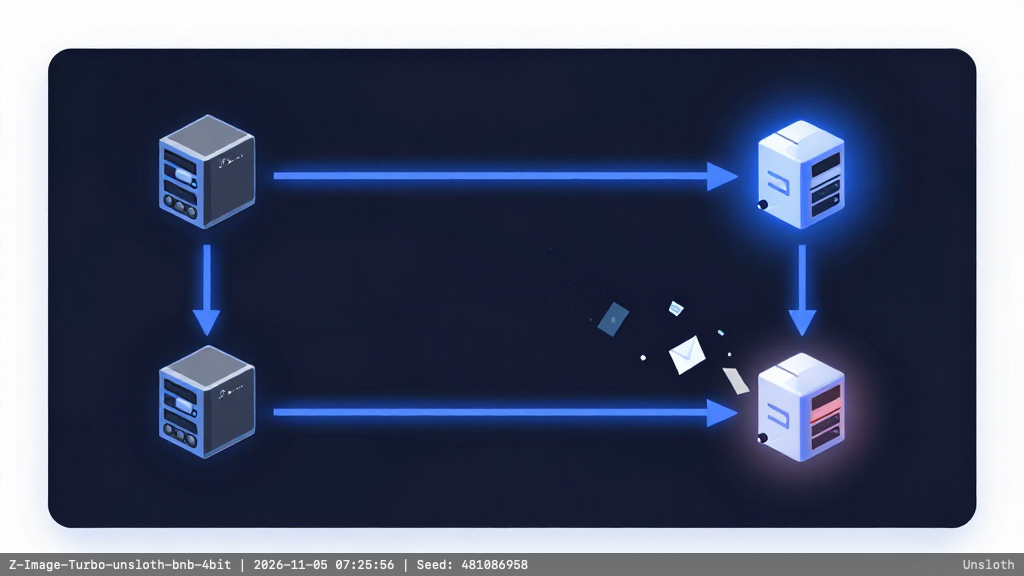
GA4 and your Google Ads conversion tag send the same hit into the same server-side GTM container, but they don’t need the same data to count it. GA4 can attribute a conversion from session and referrer data alone. Google Ads needs a second, more fragile payload — the gclid, a consent signal, or enhanced-match user data — to survive that same trip. When that payload gets stripped, blocked, or never sent, GA4 keeps reporting fine while the Ads conversion just disappears. That asymmetry, not a GTM bug, is the actual cause behind most “GA4 shows it, Ads doesn’t” reports on server-side setups.
What You’re Seeing
- GA4 Conversions Up, Google Ads Imports Down — Same Event
- Attribution Requests Returning 400, Almost Nothing Counted
- Tag Fires, Zero Outgoing Request, “Aborted During Augmentation”
- How to Tell Which One You Actually Have
The Three Ways This Shows Up
1. GA4 Conversions Up, Google Ads Imports Down — Same Event
Symptom: GA4 reports the purchase or lead correctly. Google Ads shows the same period with conversions down 30-50%, or an import that doesn’t match sales at all. Nothing else changed.
What’s Happening: GA4’s reporting and the Google Ads import don’t run on the same signal. GA4 can attribute google / cpc from session and referrer data without any click ID at all. The Ads import can’t — it needs the actual gclid to join the conversion back to the ad click that caused it. If the gclid doesn’t make it through your sGTM container intact (stripped by a redirect, lost across a domain boundary, dropped by a transformation), GA4 never notices, because GA4 was never relying on it.
The Diagnostic: Segment the gap by device, browser, and traffic source before touching anything. If the drop concentrates on a specific path (in-app browsers, a cross-domain checkout, Safari), you’re looking for where that path loses the click ID — not a tag configuration problem.
2. Attribution Requests Returning 400, Almost Nothing Counted
Symptom: You’re actually watching the network requests. The attribution endpoint is returning 400 on nearly everything — not a handful of edge cases, close to all of it.
What’s Happening: Check whether gcs (Google’s consent signal) is present on the request at all — not whether it reads “denied,” but whether it’s there. A request that pairs npa=1 (non-personalized ads) with no gcs parameter at all reads differently to Google’s edge than an explicit denial. No signal present commonly gets treated as malformed rather than non-personalized, and the attribution endpoint bounces it.
The Diagnostic: This is almost always upstream of the server container — a consent-mode tag or trigger firing (or not firing) before the hit leaves the browser, not something broken in the sGTM transform itself. Start with your Consent Mode v2 setup, not your server container config.
3. Tag Fires, Zero Outgoing Request, “Aborted During Augmentation”
Symptom: GTM Preview shows the server-side Google Ads conversion tag firing. GA4 and Conversion Linker both work fine. But there’s zero outgoing request for the Ads tag, and the server logs an abort “during augmentation.”
What’s Happening: Augmentation is a transformation step inside your server container. It aborts when the picture doesn’t match: the browser-side Google tag already stamped a flag (ude, for User Data Enabled) promising hashed user data is on its way for Enhanced Conversions, but the server container either doesn’t receive that data intact or your GA4 Admin setting for “User-provided data collection” doesn’t agree with what the browser tag is claiming. Rather than send a malformed request to Google, the server tag refuses to send anything at all.
The Diagnostic: Check GA4 Admin → Data Collection → User-provided data collection against whether Enhanced Conversions is actually turned on for the specific Ads conversion action. A mismatch between those two settings is the single most common cause of this exact abort message.
How to Tell Which One You Actually Have
- Open the Network tab, not just GTM Preview. All three of these look identical in GTM’s debug panel — the tag shows as fired. The difference only shows up in the actual outgoing (or missing) request.
- No outgoing request at all → augmentation abort (#3). Check the Enhanced Conversions / User-provided data setting mismatch first.
- Request goes out but comes back 400 → missing consent signal (#2). Check whether
gcsis present before checking whether it says “denied.” - Request looks fine, conversion still doesn’t show in Ads → gclid not surviving the trip (#1). Segment by device/domain/browser to find where it’s getting dropped.
All three share the same root shape: GA4’s path to counting a conversion is shorter and more forgiving than Google Ads’ path. When something upstream — a redirect, a consent trigger, a data-collection setting — breaks only the longer path, GA4 keeps reporting clean while Ads quietly goes dark. The fix is almost never in the server container itself; it’s in whatever sits between the browser and the container stripping the extra payload Ads actually needs.
Related Reading
- Google Ads Not Recording Conversions? 5 Fixes for Complete GTM Setup
- GA4 Events Not Reaching Google? 3 Transmission Fixes That Work
- Consent Mode v2 Tags Not Firing After Consent Accepted? Here’s the Fix
For Google’s own setup reference on the enhanced-match payload behind the augmentation failure, see Google’s guide to setting up enhanced conversions for web using the Google tag.
Server-side GTM showing GA4 and Google Ads disagreeing about the same conversions? This is exactly the kind of Layer 3 mismatch that’s invisible in GTM Preview and only shows up in the actual network payload. Get your server-side setup diagnosed today — most of these are a single misconfigured setting, not a rebuild.
GTM Setup Service
Google Ads and GA4 conversion tracking — where it breaks, and why the platforms disagree.
Same mismatch on your own account?
This diagnostic is the technical version. If the short version is "GA4 shows it, Google Ads doesn't" or "it broke after a migration," we'll check all four steps on your account and tell you which one is failing.